
Three reasons why Fokasu
is the best study tool.
Fokasu is a desktop study app that brings your tasks, study friends, and distraction blocking together.

Fokasu is a desktop study app that brings your tasks, study friends, and distraction blocking together.
Bring your plans, friends, and focus together with Fokasu.
Create a todo, give it an estimated focus time, and start its timer from the dashboard. You can also set a deadline and configure automatic breaks for the task.
Yes. When creating a todo, use the automatic break settings to choose a study interval and break duration that suit your routine.
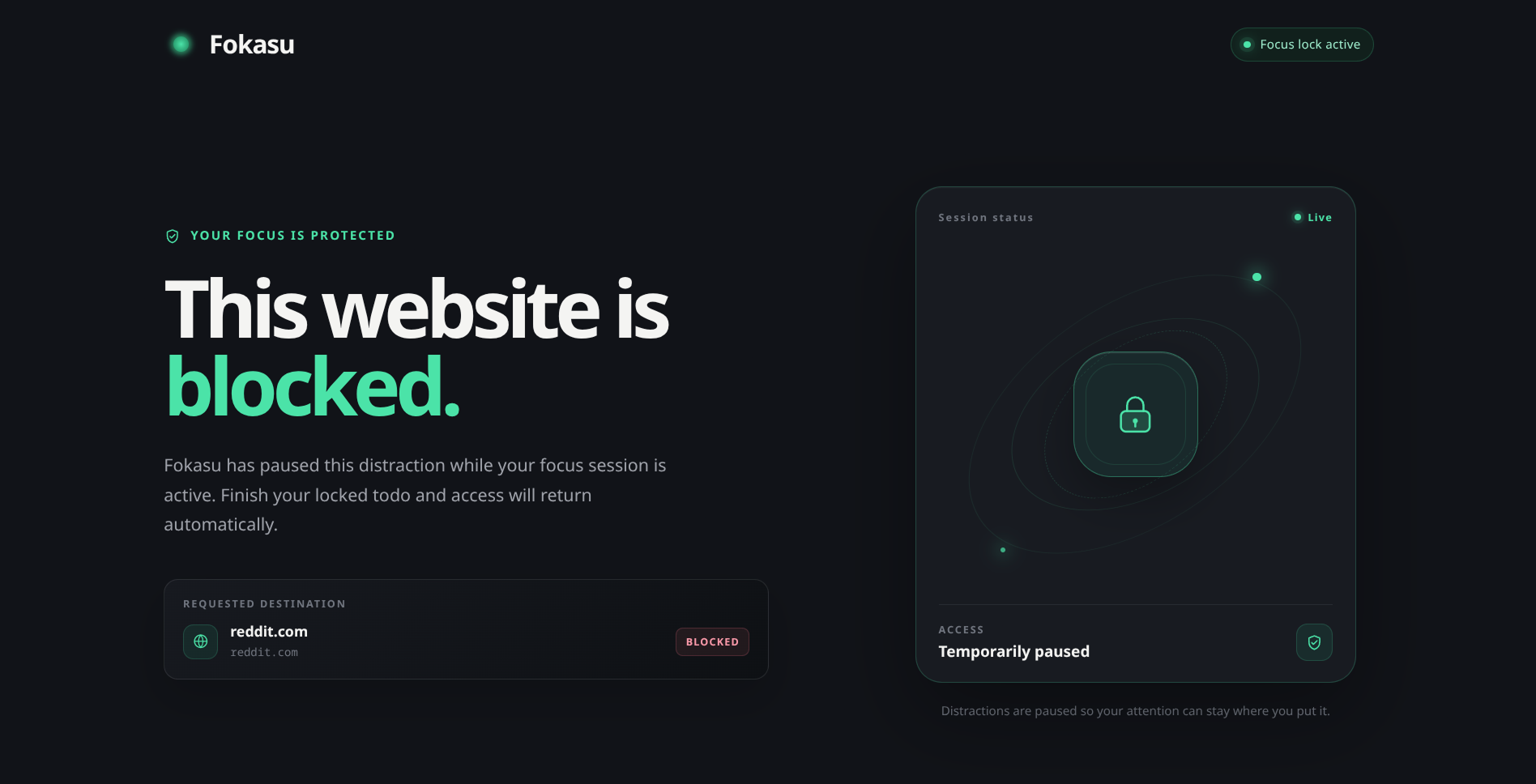
During an approved automatic break, Fokasu temporarily lifts website and application blocking. If your Focus Block is still active, blocking resumes when the break ends. Read the Focus Block Guide.
Yes. Join a clan and use its study rooms to focus together on a shared schedule, including synchronized breaks. You can also chat with your clan and work toward clan quests.
Yes. Switch to progress bar mode to keep a compact progress bar above your other apps. You can keep studying in your notes or browser while checking your session progress.
Add subject tags to your todos, then use Stats to review time spent on each tag, completed todo hours, and weekly or monthly trends.