
Complete a todo
Finish its focused time to count it toward your goal.
Website blocking for Windows & Fedora
Fokasu keeps distracting sites blocked while you complete your study goal.
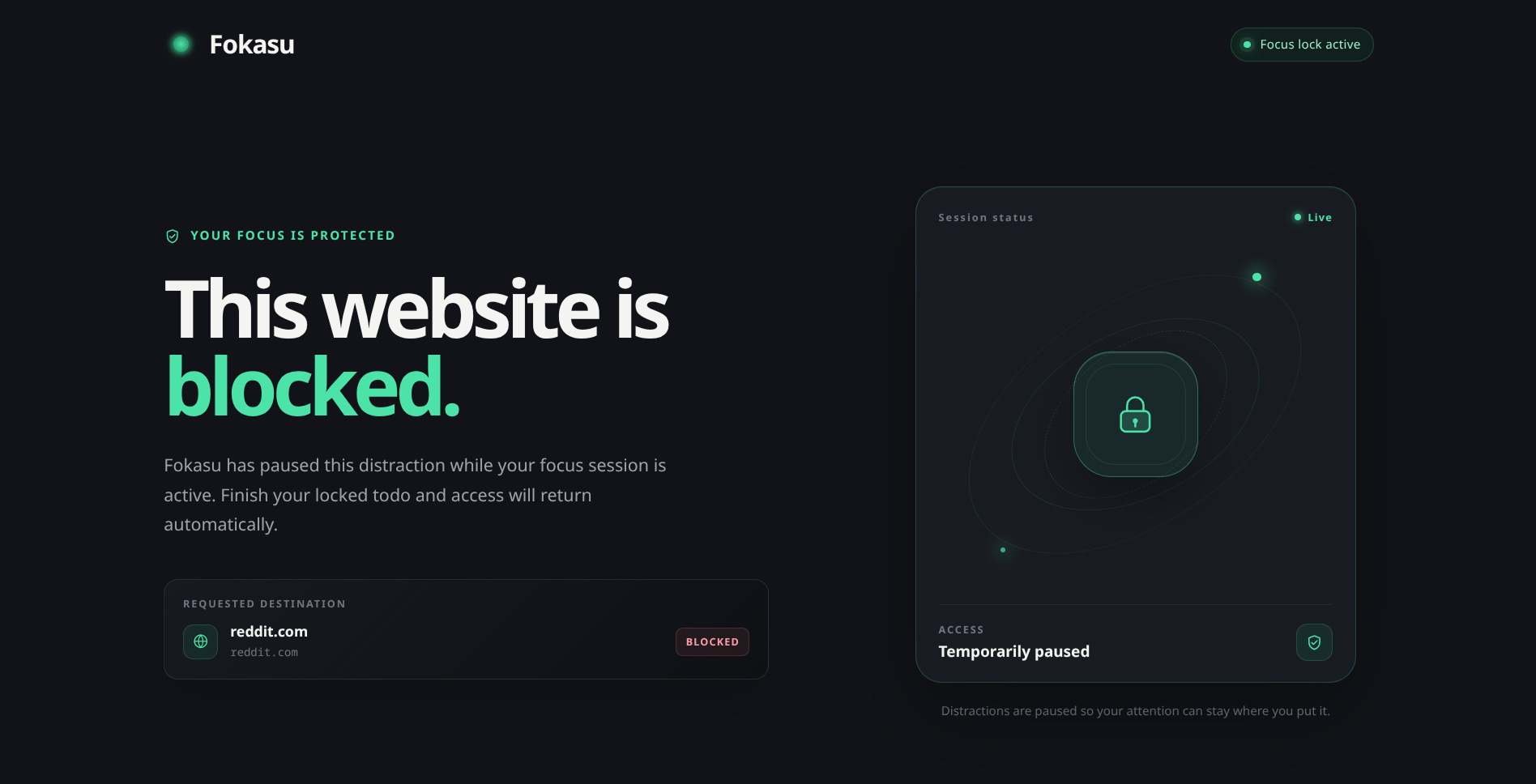
Timed blocks & schedules
Set a study-time goal and start your block now, or schedule it for later.
Time from completed todos counts toward the goal.
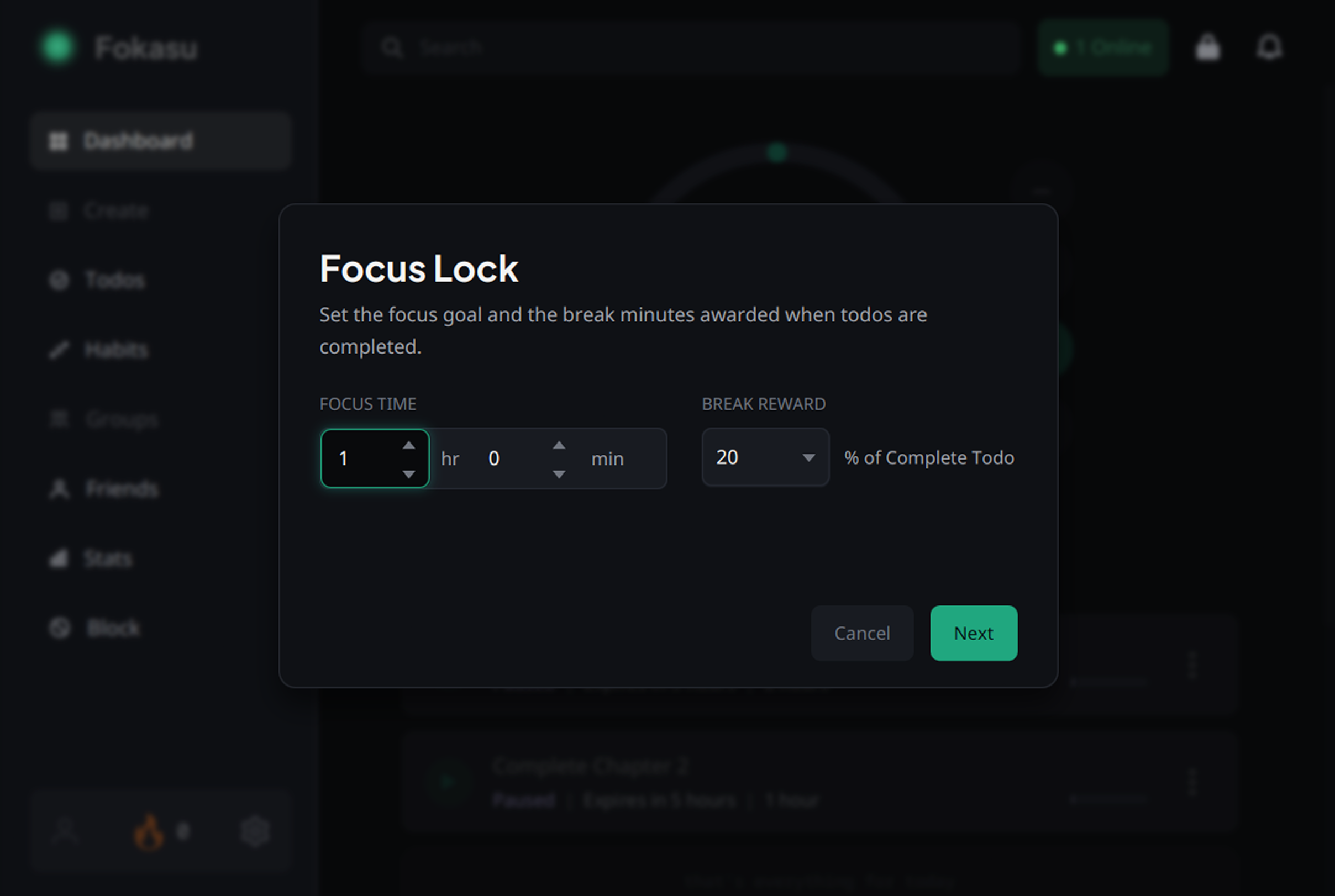
Finish your goal to unblock
Two completed 30-minute todos meet a one-hour focus goal and unlock your block list.
Finish its focused time to count it toward your goal.
Completed todo time adds together across your block.
Your blocked sites and apps unlock when you reach the goal.
Bypass-resistant blocking
Fokasu can close the browser when its extension is missing and prevent uninstalling during a Focus Block.
A configurable emergency-exit delay gives you a way out when needed.
Blocking safeguards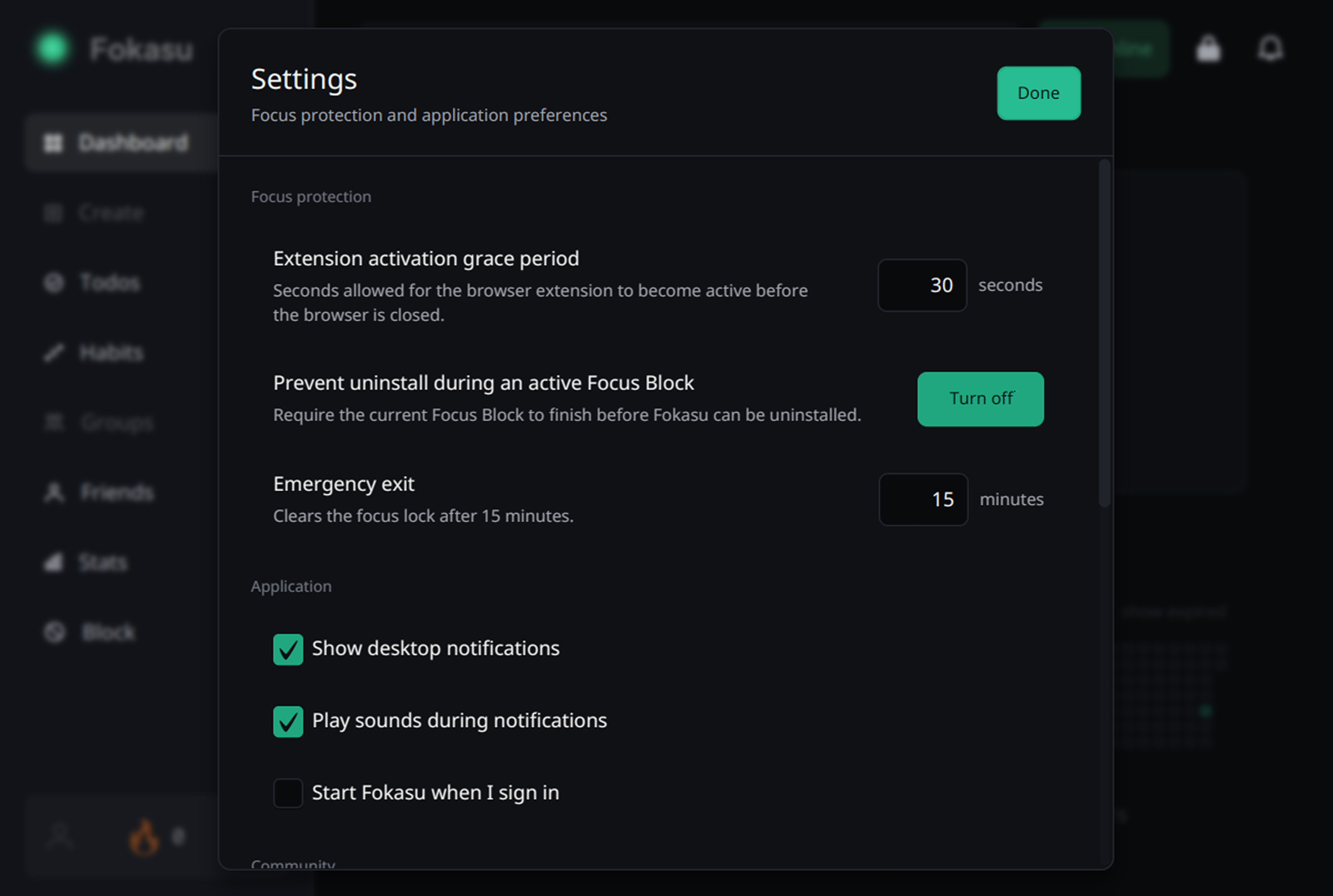
Breaks are part of studying
Earn break time from completed todos, or enable automatic breaks during a todo.
Choose a percentage of each completed todo to receive as break time.
Blocked sites and apps become available during a break, then block again when it ends.
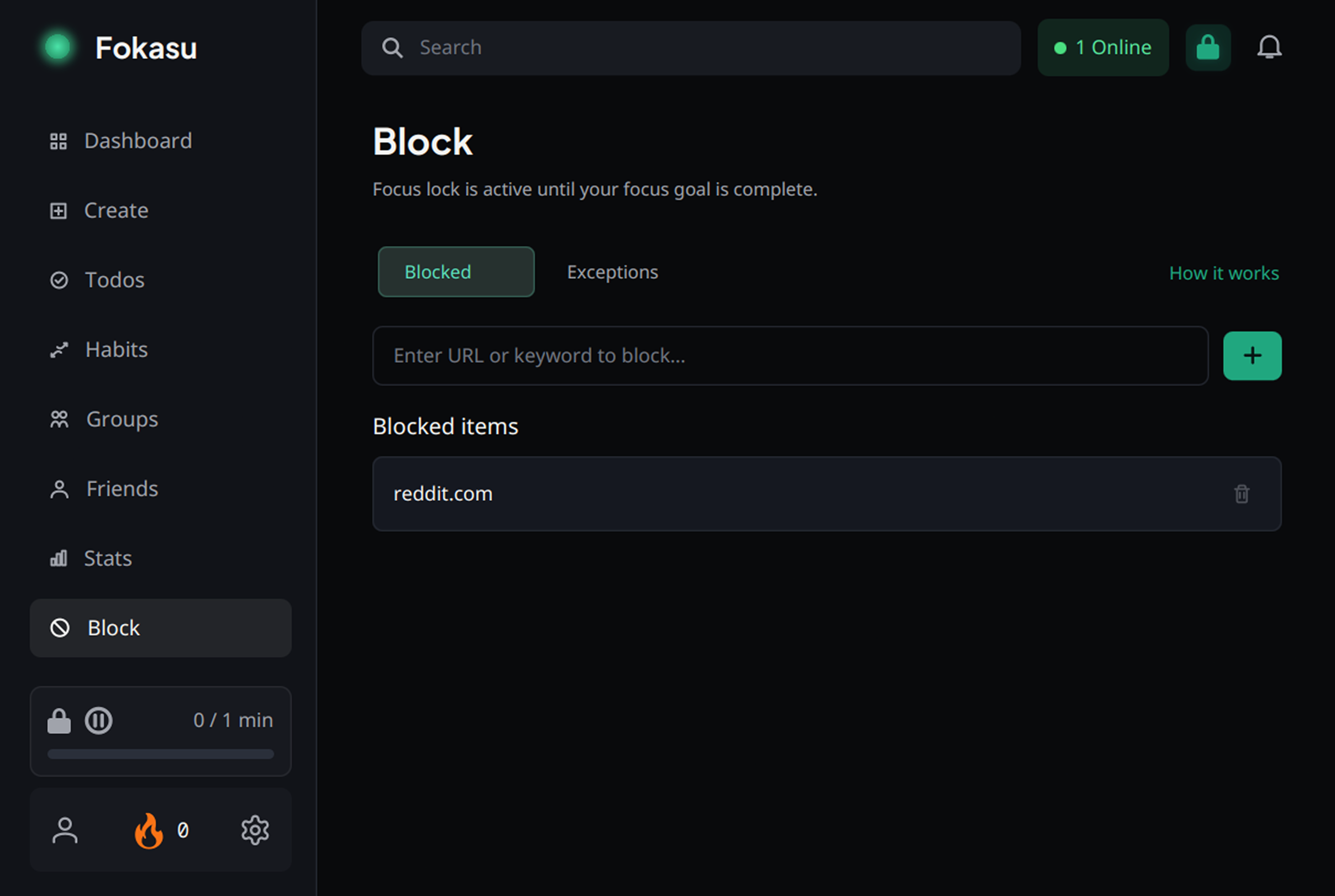
Keep your study resources open
Website exceptions let you keep the pages you need available.
You can block distracting desktop apps too.
Ready for your next session